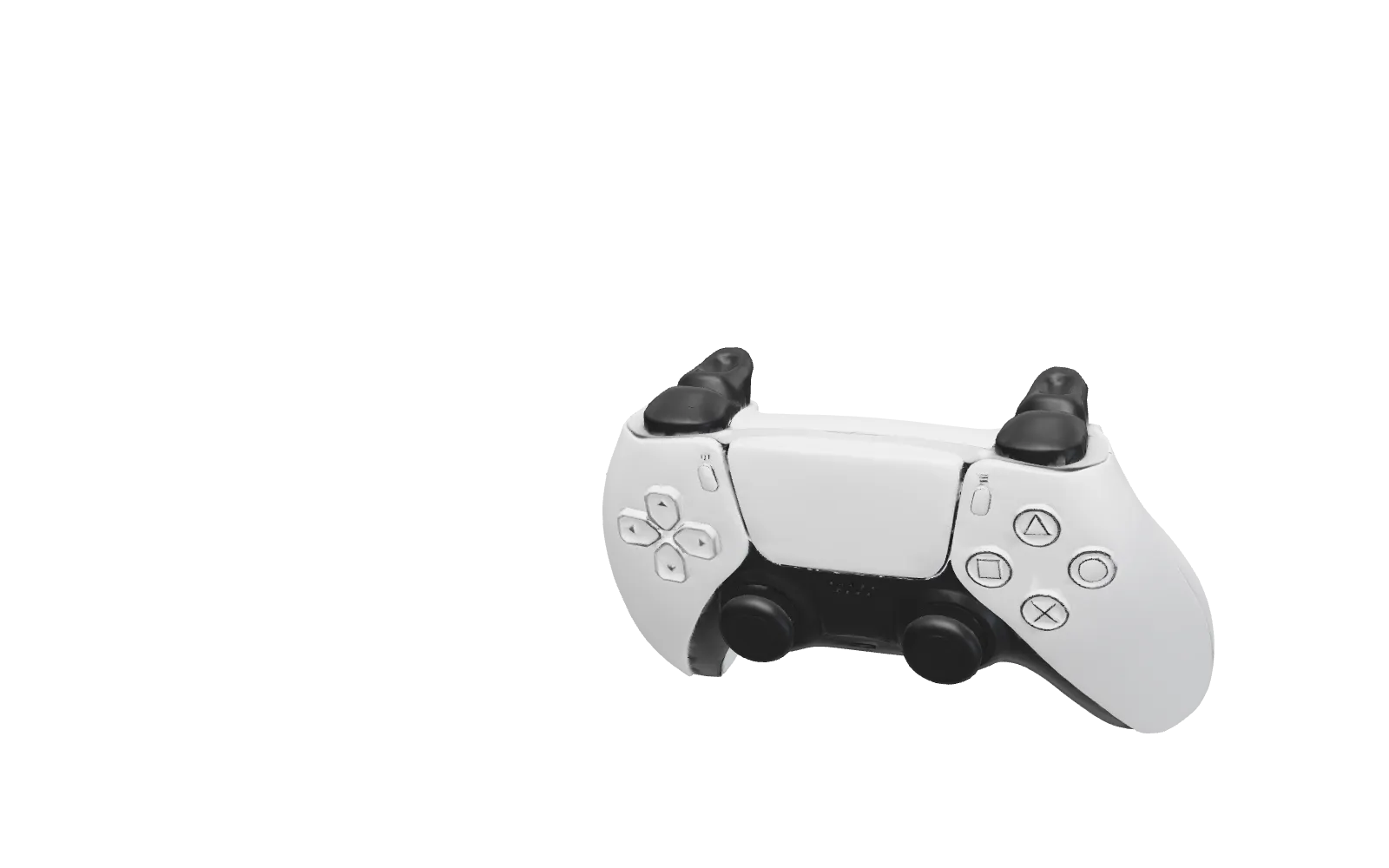
Make a DualSense do anything on your Mac.
Choose what every button does, app by app.
Download for Mac
macOS 13 or later
Pick a button. Choose what it does.
Each button can do up to four things: on a press, on a hold, and on either with L2 down.
A different setup for every app.
Add an app and give it its own buttons. Leave a button empty and it falls back to the next level, so you only set what's different.
- CLI app A program running in your terminal
- tmux When it's running in the terminal in front
- App Whichever app is in front
- All Apps Everything else
Terminal control.
Control tmux and CLI apps like Claude Code from your controller. Layback sees which program is in front, so each one can have its own buttons.
- tmux command
next-window- Shell command
./deploy.sh- Keys to a CLI app
send-keys C-c
Works in any terminal with tmux. Without it, CLI app buttons work in Ghostty, Terminal and iTerm.
Sensible defaults.
Connect your controller, allow Accessibility once, and it works. Change any of it whenever you want.
- Tilt
- Move the pointer
- R2
- Click and drag
- Square
- Right click
- Sticks
- Scroll
- Cross
- Return
- Circle
- Escape
- D-pad
- Arrow keys
- Create
- Copy
Get Layback.
Download for Mac- macOS 13 or later
- A DualSense controller
- Accessibility permission
No accounts. No tracking. Export your setup and share it, or import someone else's.